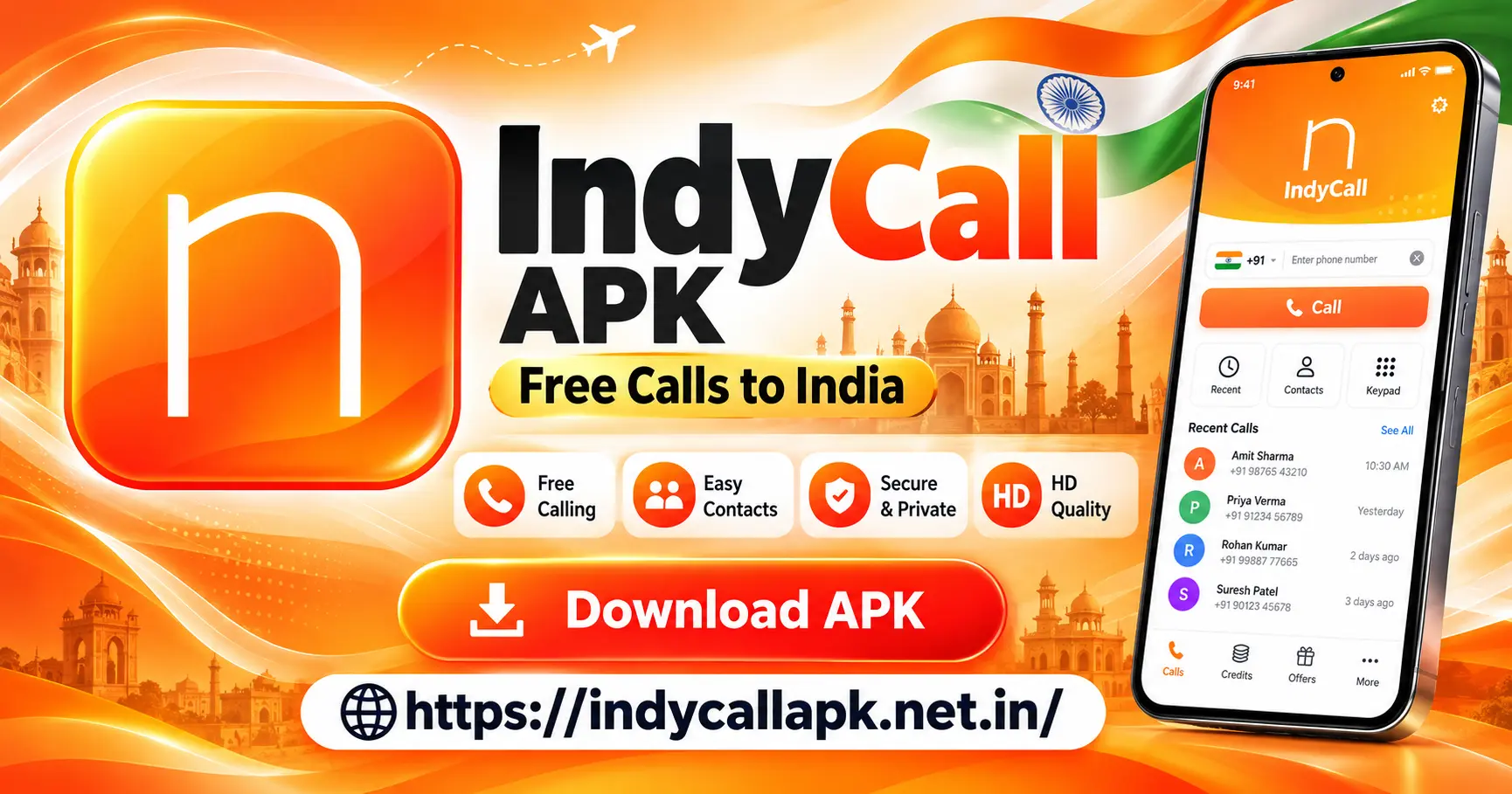

Download Indycall Apk
Download IndyCall
IndyCall is a calling application mainly used for making calls to Indian phone numbers. It uses an internet connection instead of the normal mobile calling system. Users can select a contact or enter an Indian number manually. Free calling options are available, although advertisements can appear before calls. The available call time can also depend on different conditions. Users can get more calling time through IndyMinutes when needed. The application is available for Android and iPhone devices. Before installing any APK file, users should check the source and file details carefully. The normal installation process is simple on supported devices. After installation, users can open the application, provide the needed permissions, and follow the calling steps shown inside the app.
How to Download and Install
- Open the official app store on your Android device.
- Search for IndyCall – calls to India.
- Check the application name before downloading it.
- Open the official IndyCall listing.
- Tap the Install button to start installation.
- Wait until the application finishes installing.
- Open IndyCall from your phone’s application menu.
- Sign in using the available account option.
- Allow contacts permission if you want to use saved contacts.
- Connect your device to Wi-Fi or mobile data.
- Select a contact or enter an Indian number.
- Check the available calling time and start the call.
IndyCall Download for Android
Android users can install IndyCall through the Google Play Store on supported devices. The current listed version requires Android 6.0 or later. Users should check the app name and developer before installing. If an APK file is used instead, the file source should be checked carefully first. After installation, open the application and complete the available setup steps. An internet connection is required when using the calling service.
IndyCall App Download for iOS
iPhone users can get IndyCall through the Apple App Store. The current App Store listing supports iOS 12.0 or later. Search for the application by its correct name before installing it. After installation, open the app and follow the account setup instructions. The iPhone version also provides in-app purchase options for IndyMinutes and other supported services.
IndyCall Application for PC
IndyCall is mainly designed for mobile devices, but Android users may run compatible mobile applications through an Android emulator. First, install a trusted Android emulator on the computer. Then open its app store and search for IndyCall if the application is supported there. Install the app and connect the emulator to the internet. The calling experience can depend on the emulator, microphone, speakers, and computer setup.
